
casty
Quickstart
Section titled “Quickstart”git clone https://github.com/castyfun/casty.git && cd casty./scripts/0-provision.sh # (0) compute: a server with a 2 TB volume, or --host user@ip for your own./scripts/1-node.sh # (1) a Snapchain read node: installed, synced, with a tunnel to it./scripts/2-client.sh # (2) a client: casty, an app key for your account, your feed from your nodeThree commands: (0) compute, (1) a read node, (2) a client. ./scripts/deploy.sh runs all three in one go, and The whole way explains every step and the protocol behind it.
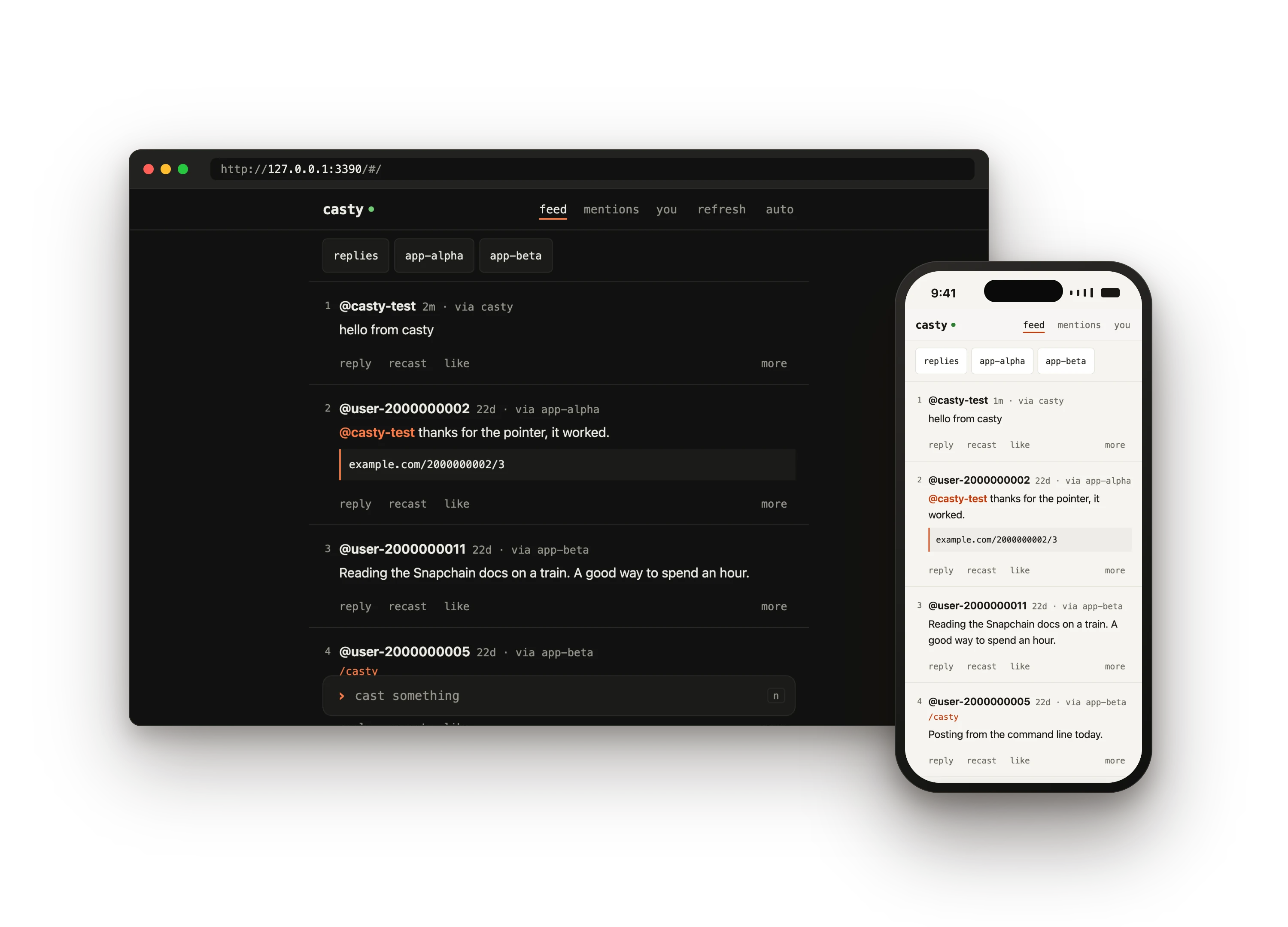
casty puts a Snapchain read node, a full copy of Farcaster, on a host you control, and gives you a client that talks to nothing else: a terminal command and a page for the browser and the phone. Your feed, mentions and threads are read from your node; your casts, replies, likes, recasts and follows go out through it. No hosted API stands between you and the network, so there is no API key to get and no rate limit to meet.
Start with one command
Section titled “Start with one command”A new node of your own
Section titled “A new node of your own”A server with a 2 TB volume and a firewall on Hetzner or AWS, Snapchain on it, the client on your machine, and the page on the host behind HTTPS. The node syncs for a few hours.
git clone https://github.com/castyfun/casty.git && cd casty./scripts/deploy.sh --fid <your fid> --domain node.example.orgAlready have a Linux machine with 2 TB free? Add -- --host user@ip.
casty on a node that already runs
Section titled “casty on a node that already runs”No server: casty connects to any Snapchain node, one of yours on another machine or a public one, and remembers it. Ready in a minute.
git clone https://github.com/castyfun/casty.git && cd casty./scripts/2-client.sh --node https://snap.farcaster.xyz:3381 --fid <your fid>Then ./bin/casty web and, under you, “add a key with your wallet”.
Let an agent do it
Section titled “Let an agent do it”Paste one prompt into Claude Code, Codex, Cursor or another coding agent. It reads llms.txt, asks which of the two you want, and never asks for your seed phrase.
Set up casty for me: https://github.com/castyfun/casty.Read https://castyfun.github.io/casty/llms-full.txt first....How it fits together
Section titled “How it fits together”Reads come from your node, so the feed is as fast as the machine it runs on. Writes are signed on your machine with an app key only casty holds, and your node relays them to the validators. The key is added with one signed message, approved by your wallet in the browser: no transaction, no gas, no Ethereum RPC.
What you get
Section titled “What you get”- Three scripts and one command.
0-provision.shrents the server or checks yours,1-node.shinstalls Snapchain and waits for its sync,2-client.shinstallscastyand adds a key.deploy.shruns them in order and picks up where a run stopped. - A terminal client.
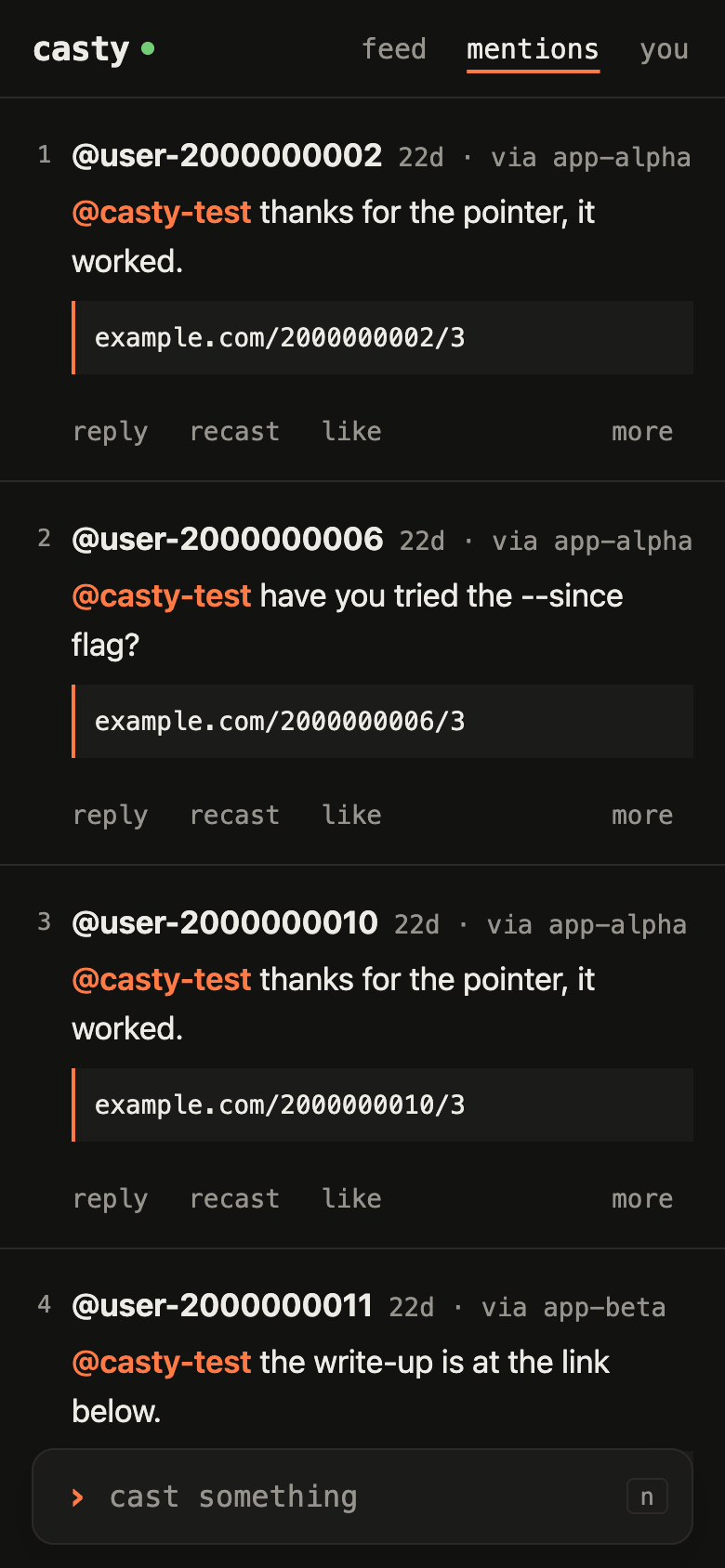
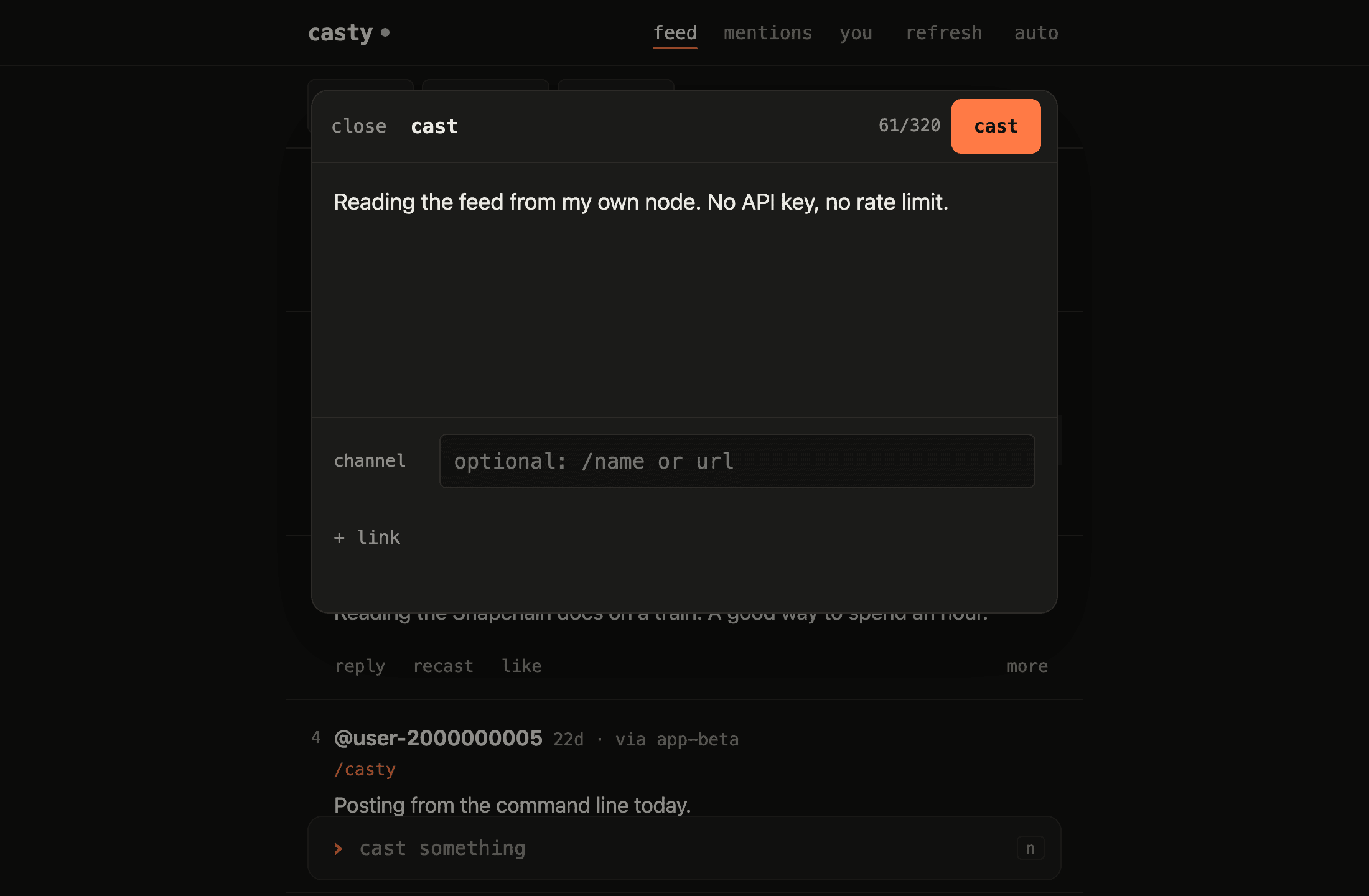
casty feed,casty cast,casty like 2: plain text for you,--jsonfor scripts, numbers that carry over from one command to the next. - A page for the browser and the phone. The feed, threads, mentions, profiles and a compose box, light and dark, with keyboard shortcuts on a laptop and an install-to-home-screen on a phone.
- Your node, anywhere.
casty serveputs the page on the node’s host behind HTTPS, with a feed index that answers at once and push notifications for mentions and replies. - Keys you can see. Every app key of your account, what it may sign, when it lapses, and revocation from the terminal or with the key itself.
- Tested without a node. A mock Snapchain node checks every signature, so the client, the scripts and the page run their checks offline in CI.
In the terminal
Section titled “In the terminal”$ casty feed --limit 31 @casty-test · 0s · via casty Reading the feed from my own node. No API key, no rate limit.
2 @user-2000000002 · 22d · via app-alpha @casty-test thanks for the pointer, it worked. https://example.com/2000000002/3
3 @user-2000000011 · 22d · via app-beta Reading the Snapchain docs on a train. A good way to spend an hour.
$ casty like 2liked 2000000002:0x973d398ad75e1f25fa780085f3c22d30b01d2504In the browser and on the phone
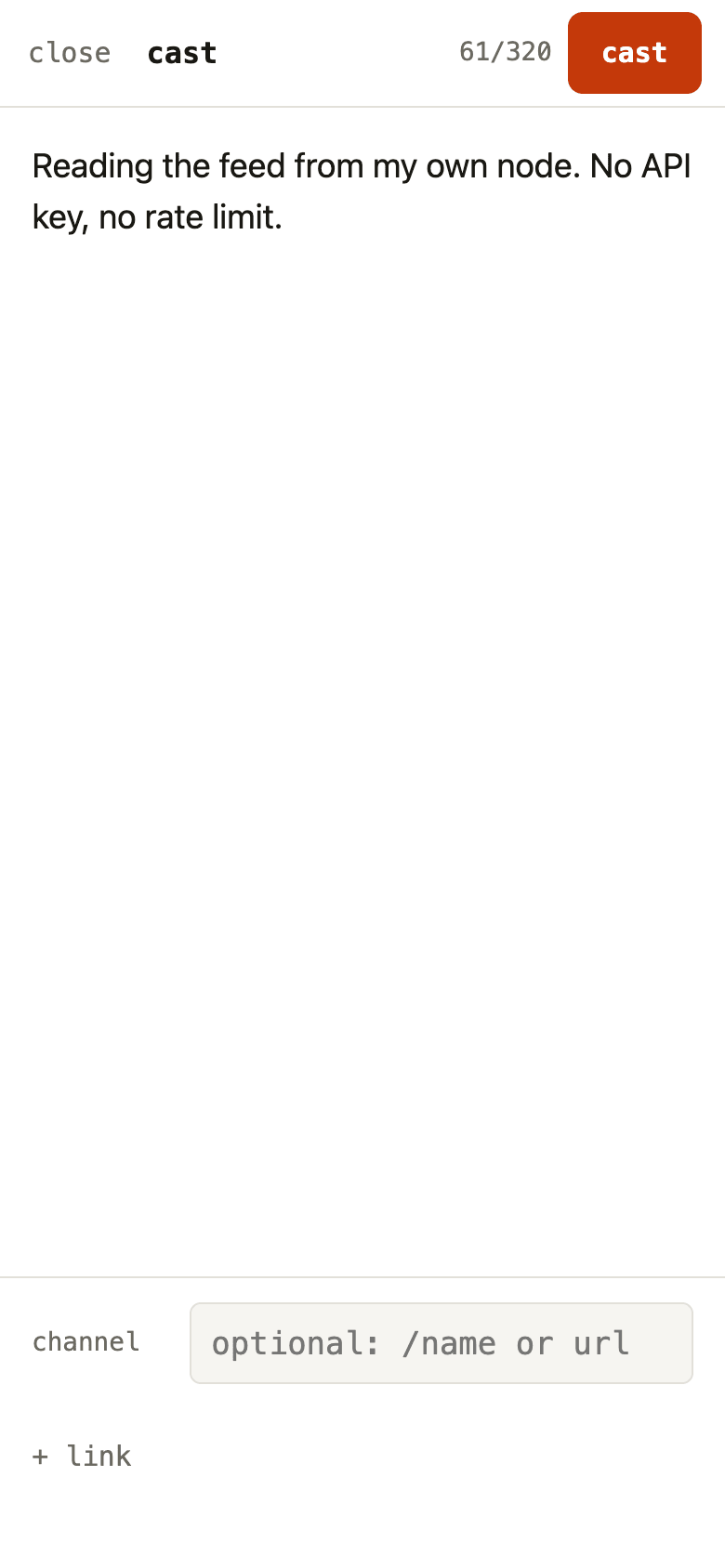
Section titled “In the browser and on the phone”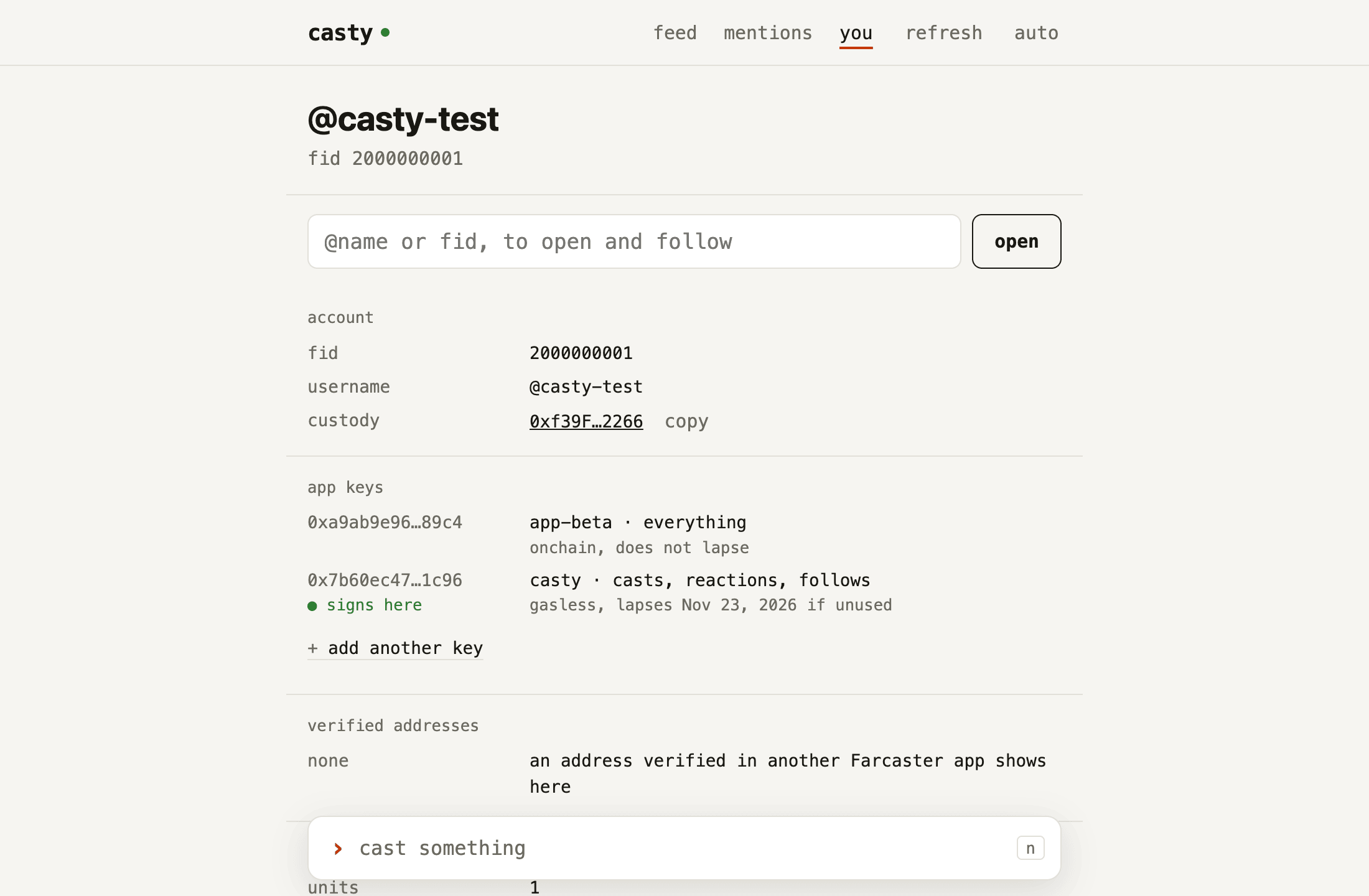
What you need
Section titled “What you need”- A Farcaster test account: an fid with at least one storage unit, and a wallet that holds the address it is registered to, or that address’s seed phrase. casty uses the phrase once, to sign the key request, and never writes it to disk.
- A host. Either credentials for Hetzner Cloud (
HCLOUD_TOKENand thehcloudCLI) or AWS (the AWS CLI v2 and a profile or access key), or SSH access to a machine you already have that can run Docker. See A node at home for the last case. - An SSH key pair, by default
~/.ssh/id_ed25519and~/.ssh/id_ed25519.pub. - On your machine:
ssh,curlandjq. Node.js 22.12 or newer only to build the client yourself (2-client.sh --from-source). macOS and Linux work; on Windows, run the scripts in WSL2.
The node host needs what Snapchain asks for: 16 GB RAM, 4 vCPU, 2 TB of free disk and a public IP (getting started). On a rented host, step 0 picks the server and the volume, and step 1 checks the host before it installs anything.
How long it takes
Section titled “How long it takes”Step 1 takes the longest: on its first start the node downloads a snapshot of several hundred
GB, then catches up on the blocks since that snapshot. Expect hours.
1-node.sh waits and prints how far behind the node is after each check. Pressing Ctrl-C ends
only the wait; the node keeps syncing, and ./scripts/1-node.sh status --wait picks the wait up
again.
What it costs
Section titled “What it costs”casty does not know your provider’s prices. A real 0-provision.sh run lists the server, volume
and firewall it is about to create, says they are billed until you delete them, and goes ahead
only once you type the server name back. ./scripts/0-provision.sh --destroy deletes all three.
Try it without a node
Section titled “Try it without a node”The repository ships a mock Snapchain node that serves the same HTTP API from fixtures and checks the signatures on every message submitted to it. With it, the whole client runs offline:
pnpm install --frozen-lockfilepnpm demopnpm demo starts the mock on a free port, adds an app key with the BIP-39 test phrase
test test test test test test test test test test test junk, reads the feed with and without
one app’s casts, publishes a cast, likes one, and deletes its throwaway config at the end. The
fids in the fixtures start at 2000000001 and belong to no one.
pnpm demo:web does the same setup, then serves casty web, the browser and phone page,
on a free port until you press Ctrl-C.
One command
Section titled “One command”Usage: deploy.sh [--domain <name> | --tailscale] [--read-only] [--fid <fid>] [--from-source] [--env <file>] [--yes] [--dry-run] [-- <0-provision.sh options>]
Runs, in order: 0-provision.sh (unless --env's file already describes a host; with --domain, again on that host to open 80 and 443), 1-node.sh (the node, the wait for its sync, the tunnel), 2-client.sh (the client, an app key, the feed) and, with a front named, 1-node.sh serve. Every step is safe to run again: the same command picks up where a run stopped.
--domain <name> serve the page on the host as https://<name> (Caddy; opens 80 and 443) --tailscale serve it as the host's name on your tailnet instead --read-only a page that reads only: no app key or passphrase leaves this machine --fid <fid> no seed phrase: 2-client.sh --fid; add the key in ./bin/casty web with your wallet, then run the same command again for the page on the host --from-source build the client here with Node and pnpm instead of downloading it --env <file> node.env to write or read (default: node.env) --yes do not ask before creating anything --dry-run print what provisioning and the node would run; the client is skipped -- <options> passed to 0-provision.sh, e.g. -- --provider aws --region eu-west-1
Exit codes: 0 ok, 2 bad arguments, otherwise the code of the step that stopped.Where to go next
Section titled “Where to go next”Start with 0. Provision a host. If you want to know what the scripts set up before you run them, read Read nodes and validators and Custody address and app keys. Security lists every secret involved and how to revoke each one.